

How to install a plugin from the WordPress plugin repository
In this example, we will install the Classic Editor plugin. The process is the same for all other plugins in the WordPress.org plugin repository.
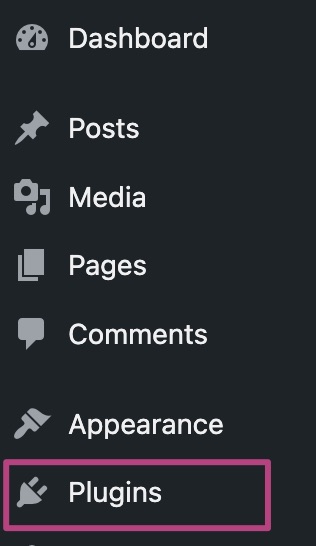
- In your WordPress Dashboard, go to Plugins
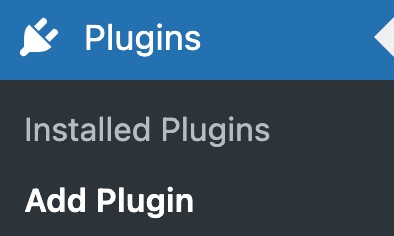
- Click Add Plugin
- Search for the plugin you want to install

- On the plugin card, click Install Now
Installing may take some time.

- Click Activate

- You can now use the plugin

Get Yoast SEO Premium
Drive more traffic to your site. Use AI to save time doing SEO tasks. Make SEO easier. And get 24/7 support.
Includes Local SEO, Video SEO & News SEO.
$118.80 / year (ex. VAT)
Did this article answer your question?
Thanks for your feedback!
Still having issues?
Try searching for your issue below